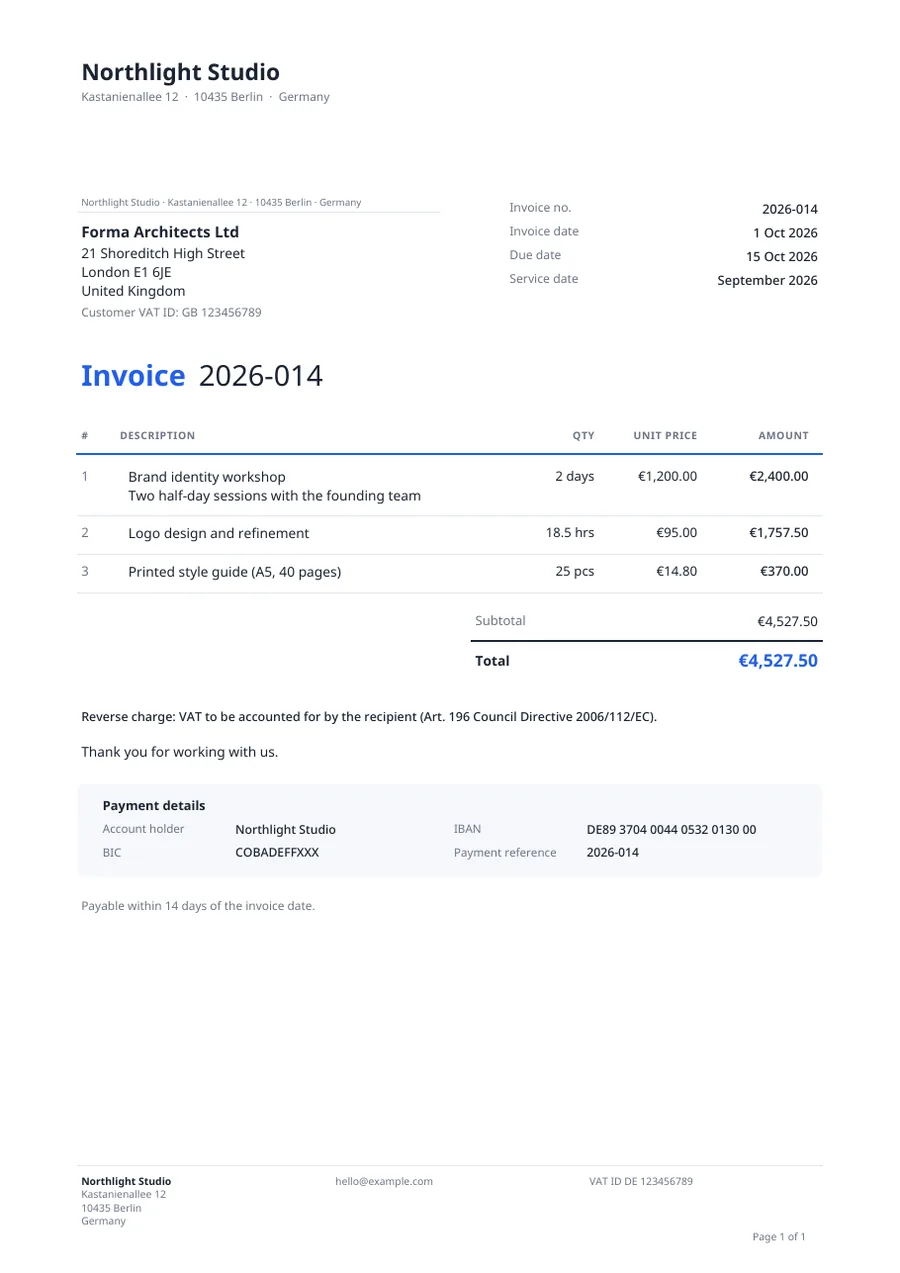
Classic
A traditional business letter with an address block that fits window envelopes.
Download sample PDFFREE INVOICE TEMPLATES
Pick a design, add your line items and VAT, and download the PDF or email it straight from Dunlio. If the due date passes, polite reminders follow on their own.
Free plan. No card required. 8 languages.
Every template includes your logo and business details, the client’s address and VAT ID, numbered line items, VAT per rate, totals, and your bank details. Choose a design and an accent color once; every invoice follows it.
A traditional business letter with an address block that fits window envelopes.
Download sample PDF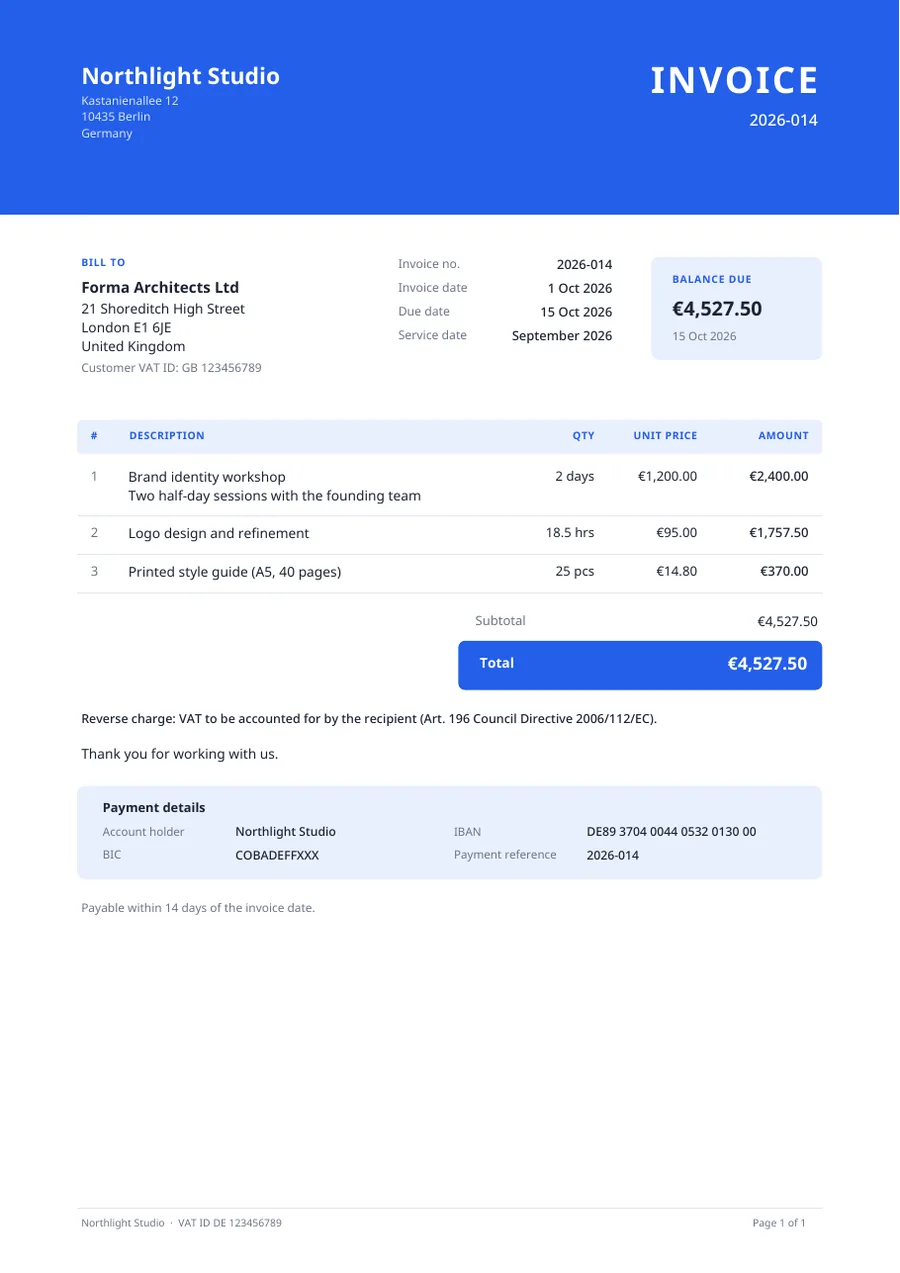
A color band, a clear balance card, and a calm table.
Download sample PDF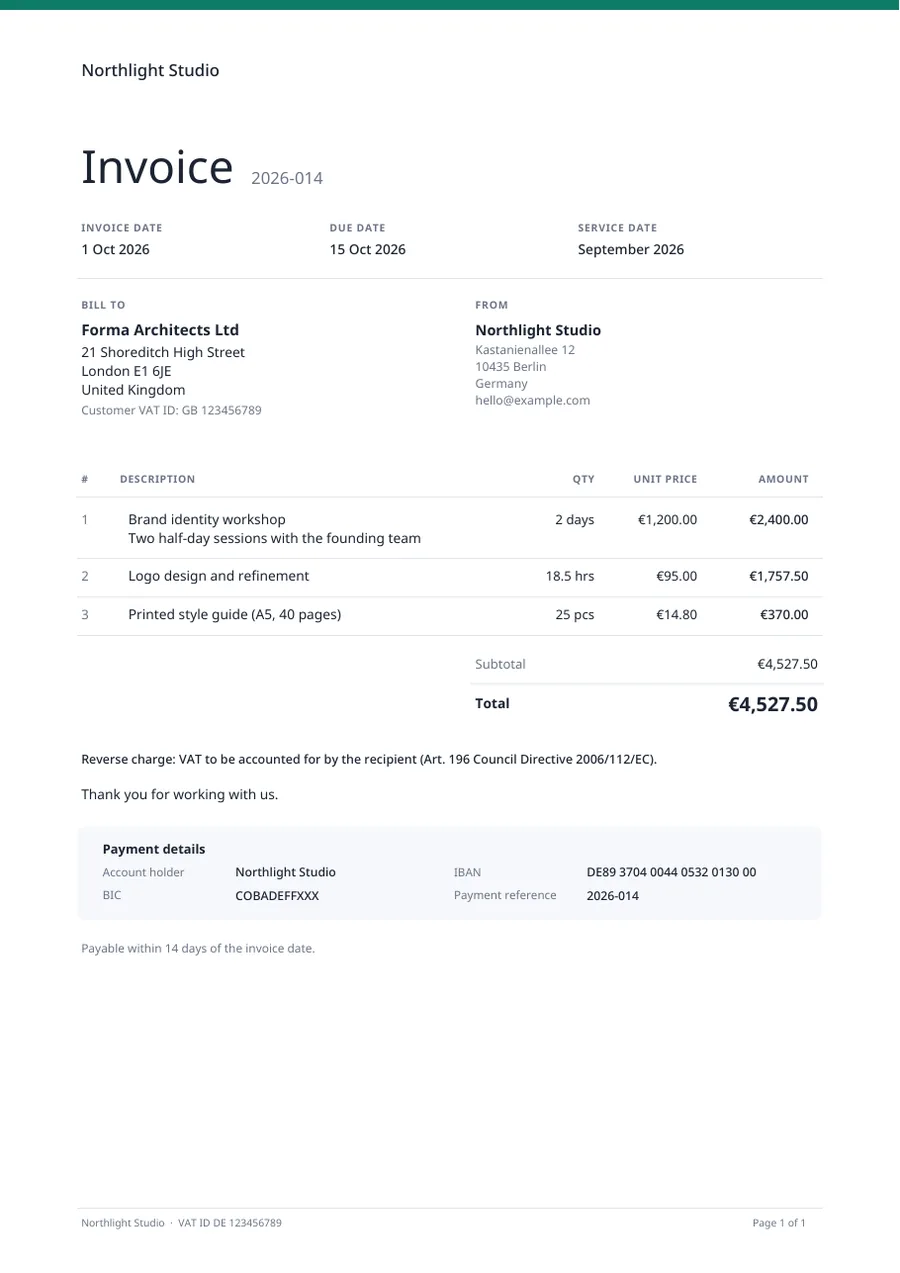
Quiet typography with plenty of white space.
Download sample PDF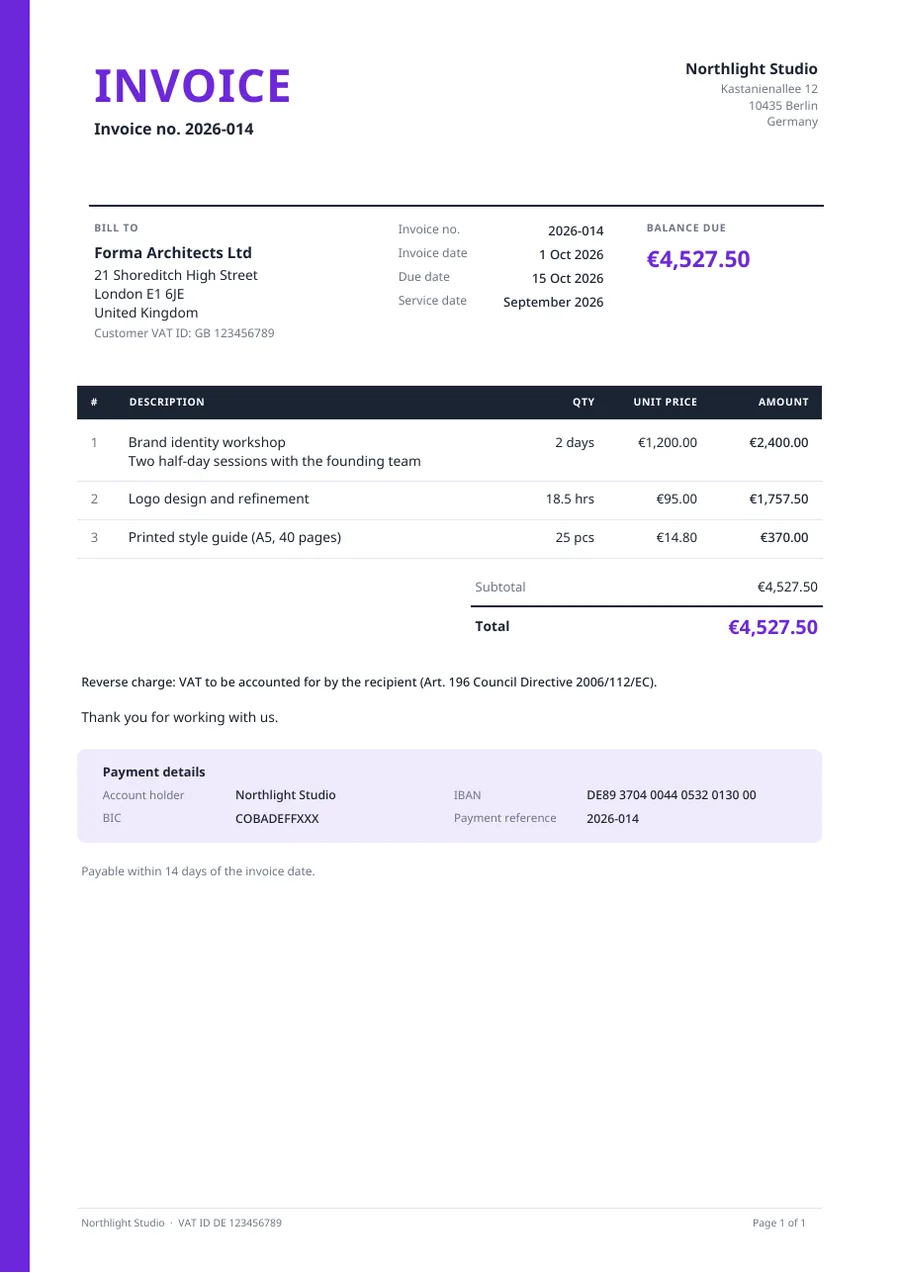
A large title, a color strip, and a dark table header.
Download sample PDFUpload your logo, enter your business, tax and bank details, and save the VAT rates you use.
Choose the client, add line items with quantity, price, VAT and discounts, and watch the totals update as you type.
Download the PDF or email it with the PDF attached. Record payments, and let reminders follow up if it becomes overdue.
Article 226 of the EU VAT Directive sets the details a VAT invoice needs. Dunlio’s templates have a field for each one.
General information, not tax advice. National rules add details, for example a company registration number.
Several rates on one invoice, VAT shown per rate, reverse charge and small-business exemption notes.
Sequential invoice numbers with your own prefix, for example INV-2026-014.
Download a print-ready PDF or send the invoice by email with the PDF attached.
Record partial payments, mark invoices paid, void them, or duplicate one for the next job.
Friendly reminder, firm follow-up and final notice, sent manually or on a schedule you control.
Invoices in English, German, French, Spanish, Italian, Dutch, Polish and Portuguese, in euros, dollars, pounds and more.
Create it, send it, and let Dunlio keep track of the follow-up.